One back office
See sales, products, stock and performance in one place so your team can make faster operational decisions.
BuildSense Point of Sale
From the first tap to checkout and pickup, BuildSense POS keeps orders, payments and service moving together.
Manage sales, stock, customers and day-to-day operations together, with one connected system built around how modern retail actually works.
See sales, products, stock and performance in one place so your team can make faster operational decisions.
Keep customer details, purchase history and loyalty information connected across every interaction.
Keep stock levels aligned as products are sold, returned or transferred across your retail operation.
Manage branches, staff permissions, products and reporting from one connected business view.
Connect in-store workflows with online, mobile and future digital sales channels without fragmented systems.
Keep billing, inventory and reporting workflows clear and consistent during busy trading periods.
From checkout to reporting, BuildSense POS is designed to keep the essential parts of retail connected, responsive and easy for teams to operate.
Keep checkout and payment reconciliation connected in one streamlined workflow.
Reduce steps at the counter with a checkout experience designed for busy retail teams.
Keep transaction details easy to review without jumping between disconnected tools.
Record external terminal, bank transfer, cheque, or other payment methods when needed.
Support contactless payment experiences as your hardware and payment setup evolves.
Handle customer payments in supported local currencies while maintaining clear reporting.
Correct mistakes or customer changes while keeping an auditable transaction history.
Connect products, receipts, promotions, or payment journeys to scannable QR touchpoints.
Apply manual discounts or create repeatable promotion rules for qualifying sales.
Coordinate orders that are purchased digitally and collected from a physical location.
Design operational fallbacks so essential sales workflows can keep moving through connectivity issues.
Support flexible payment combinations for customers and more complex transactions.
Collect customer contact details naturally during the sale when permission is provided.
Store useful profile details that help your team understand and serve customers better.
Capture communication preferences so future outreach stays organized and consent-aware.
Bring purchase activity, contact information, notes, and preferences into one customer view.
Save useful context such as preferences, special requirements, and service history.
Group customers using purchase behavior and profile information for more relevant engagement.
Review previous purchases to support returns, service questions, and better recommendations.
Use connected customer data to support targeted follow-up campaigns and promotions.
Arrange the actions your staff uses most so daily checkout workflows stay fast and clear.
Extend BuildSense POS with business-specific workflows and connected systems.
Keep printed and digital receipts aligned with your store identity and information needs.
Add focused tools and functions without making the core checkout interface unnecessarily complex.
Present order details, totals, and customer prompts on a dedicated secondary display.
Store the additional business information your products, customers, or workflows require.
Control layouts and actions by staff role, store, or operational context.
Trigger repeatable actions around sales, inventory, customers, and internal operations.
Connect existing hardware and software where practical instead of rebuilding everything around the POS.
Support separate brands, branches, catalogs, and operating entities from a connected platform.
Reflect stock movement as products are sold, returned, received, or adjusted.
Track stock across stores and storage locations while keeping one connected view.
Scan product variants such as size, color, or configuration accurately at the counter.
Move inventory between locations and keep transfer status visible to the team.
Correct discrepancies and perform cycle counts without losing the adjustment history.
Create, track, and receive supplier orders as part of the inventory workflow.
Surface products that are approaching reorder thresholds before availability becomes a problem.
Review stock levels, movement, and product-level activity across the operation.
Give each team member a simple, accountable way to access the register.
Keep a clear record of important staff actions performed through the POS.
Add staff accounts as the team grows without losing role and access clarity.
Associate register and shift activity with the responsible team member.
Make it easier for staff to continue work across shared POS devices.
Connect sales activity to staff members for performance and incentive reporting.
Control access to sensitive functions based on responsibilities and authority levels.
Require manager authorization for selected actions such as discounts, refunds, or configuration changes.
Track staff-linked sales data that can support commission and incentive programs.
Review daily sales, products, transactions, and key store activity from one report.
Understand sales and operational activity by staff member to support coaching and planning.
Monitor drawer activity and reconcile opening, closing, and cash movements more clearly.
Use purchase frequency, value, and history to better understand customer behavior.
Review payment methods, refunds, and transaction activity with cleaner financial visibility.
Compare selling price and product cost data to understand margin performance.
Generate structured sales and payment information to support accounting workflows.
Create focused views using the customer fields and segments that matter to your operation.
Identify best sellers, slower products, and sales trends by store and time period.
Manage sales, stock, customers and day-to-day operations together, with one connected system built around how modern retail actually works.
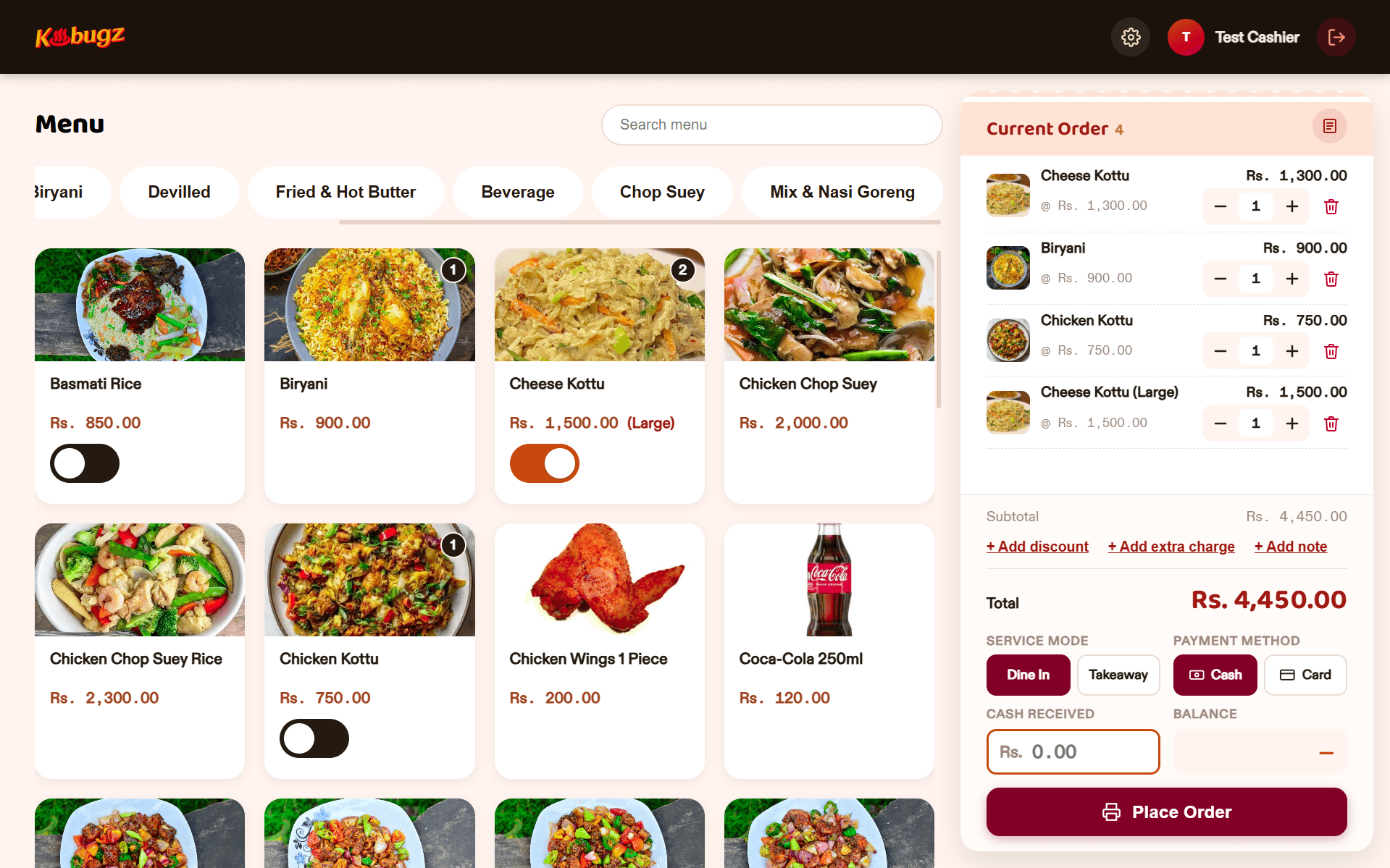
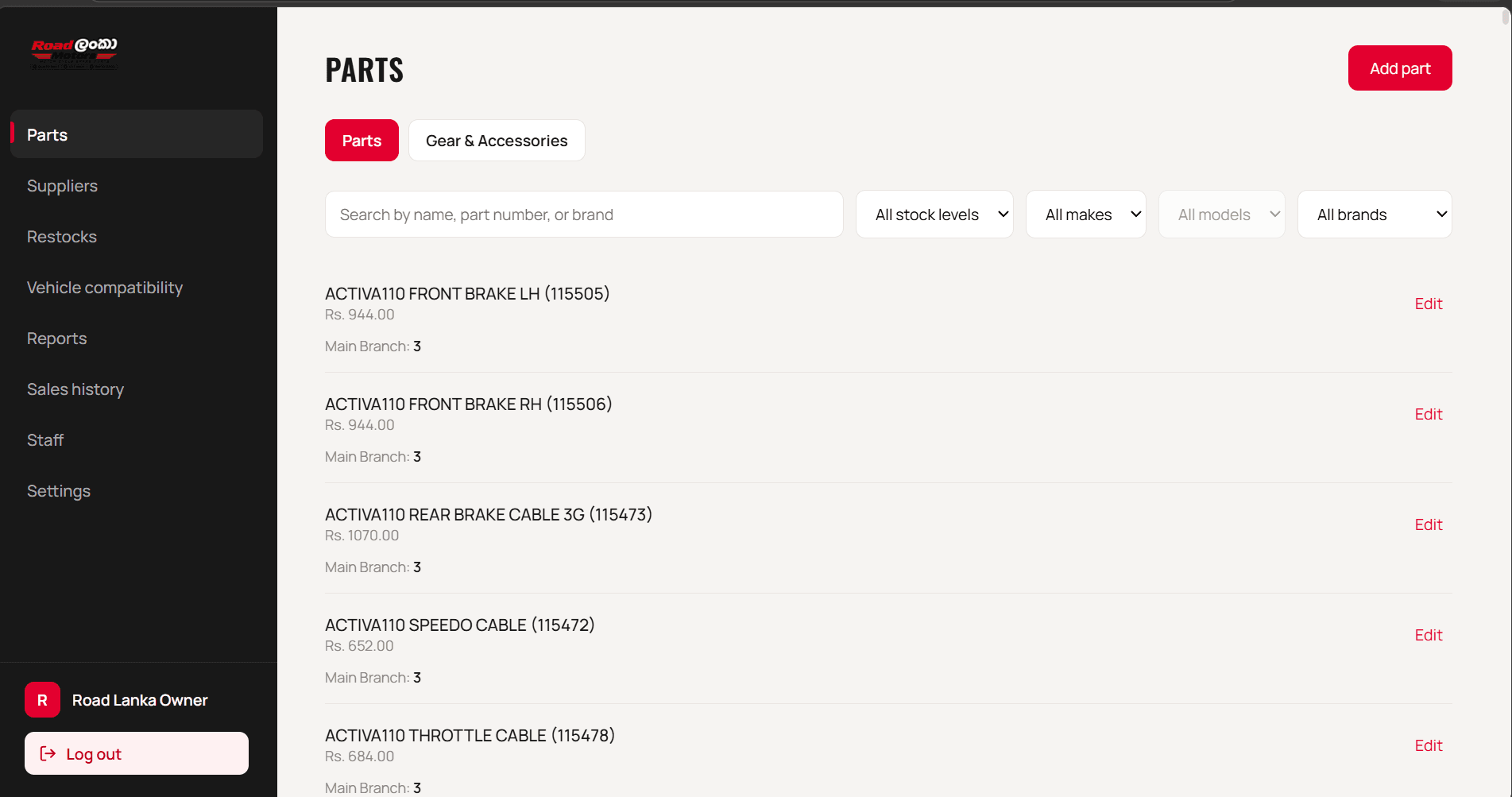
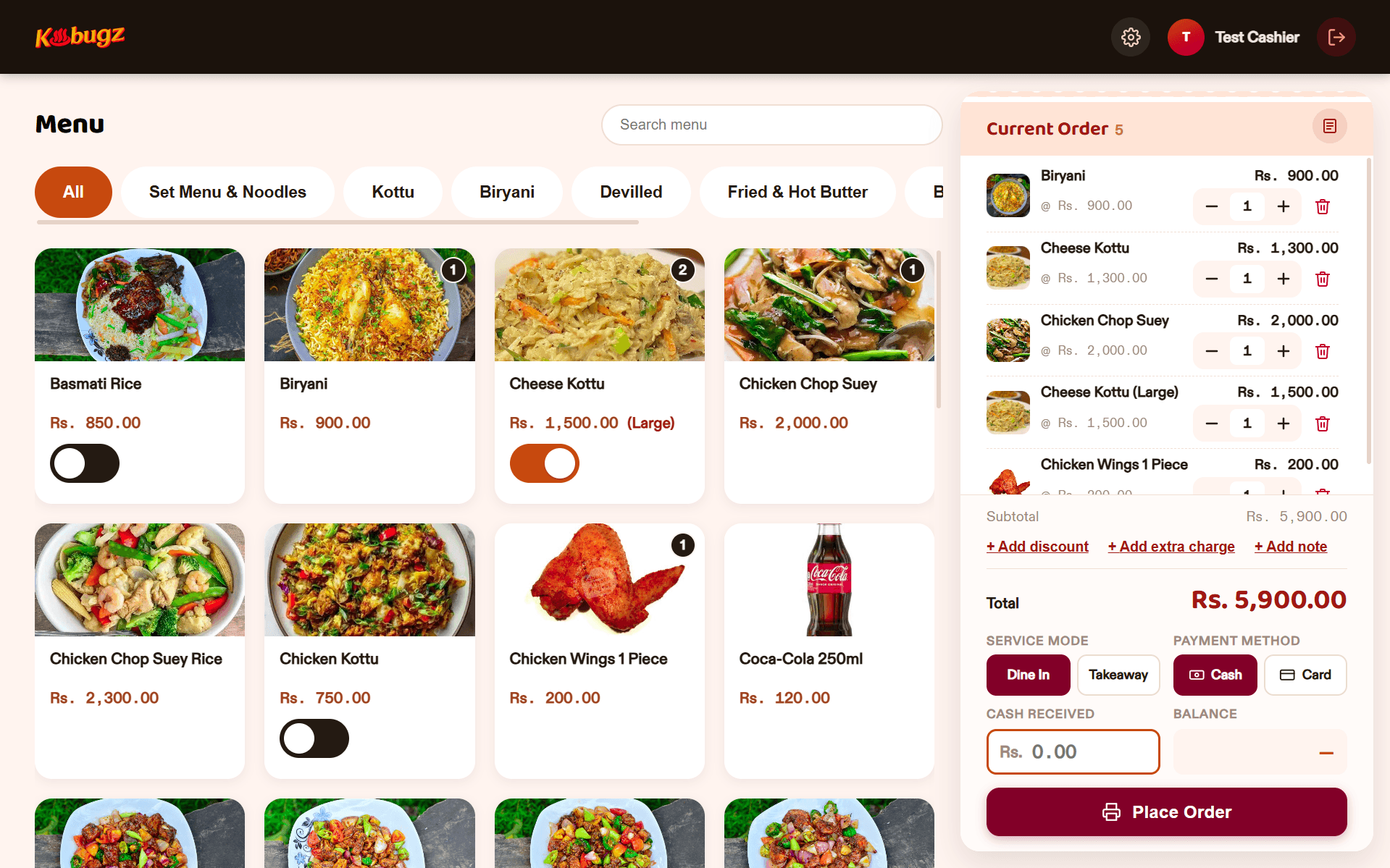
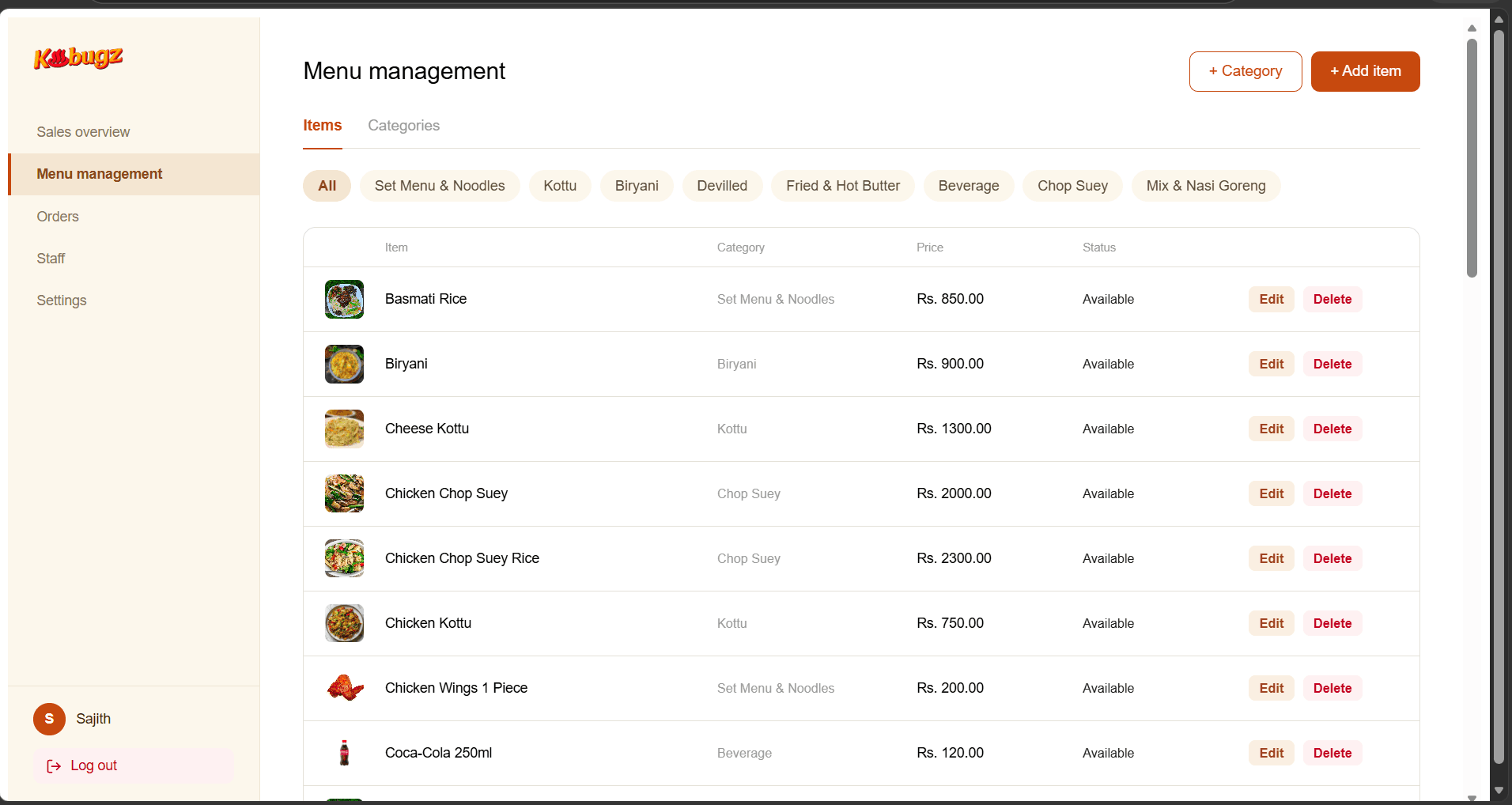
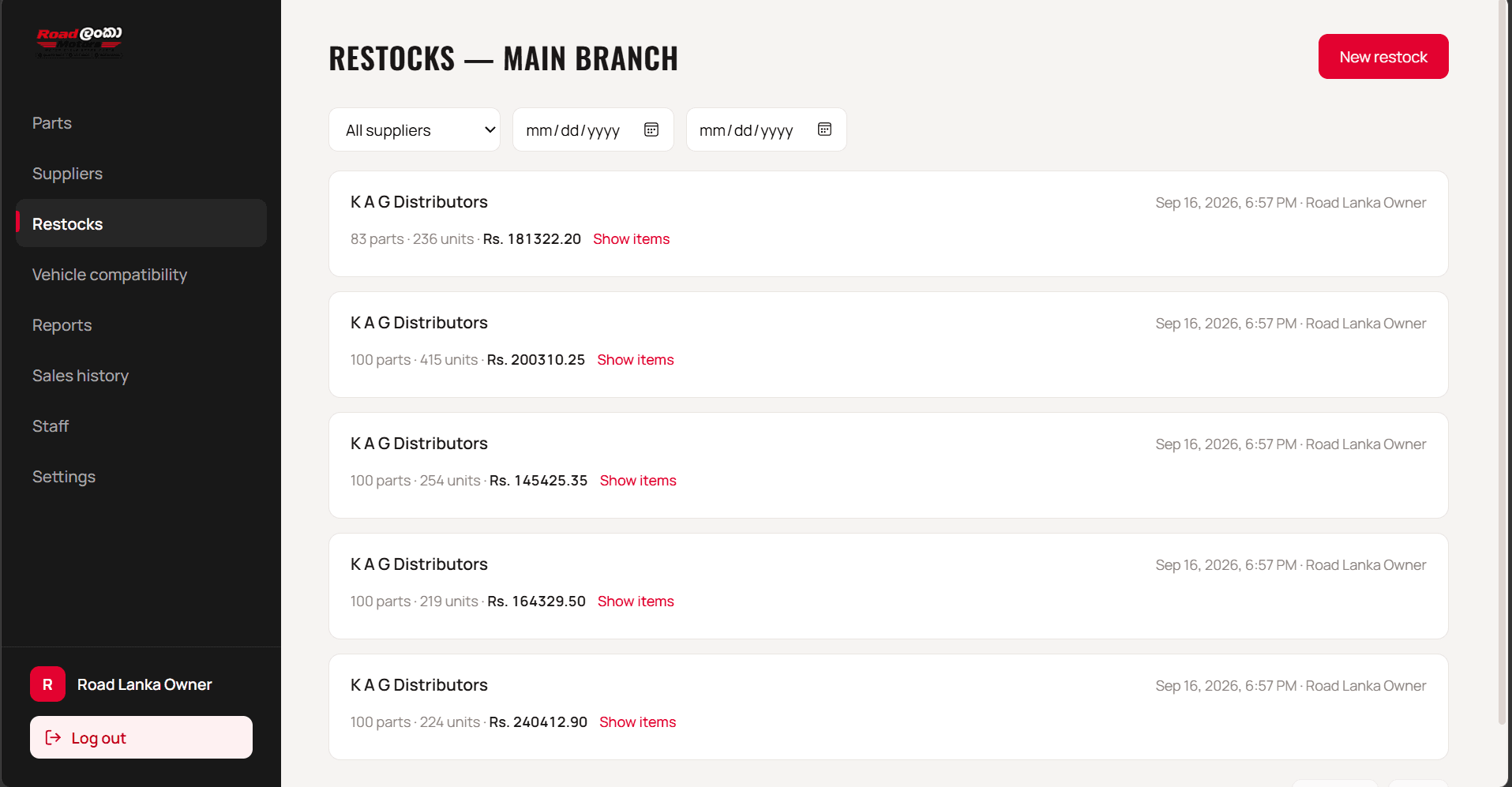
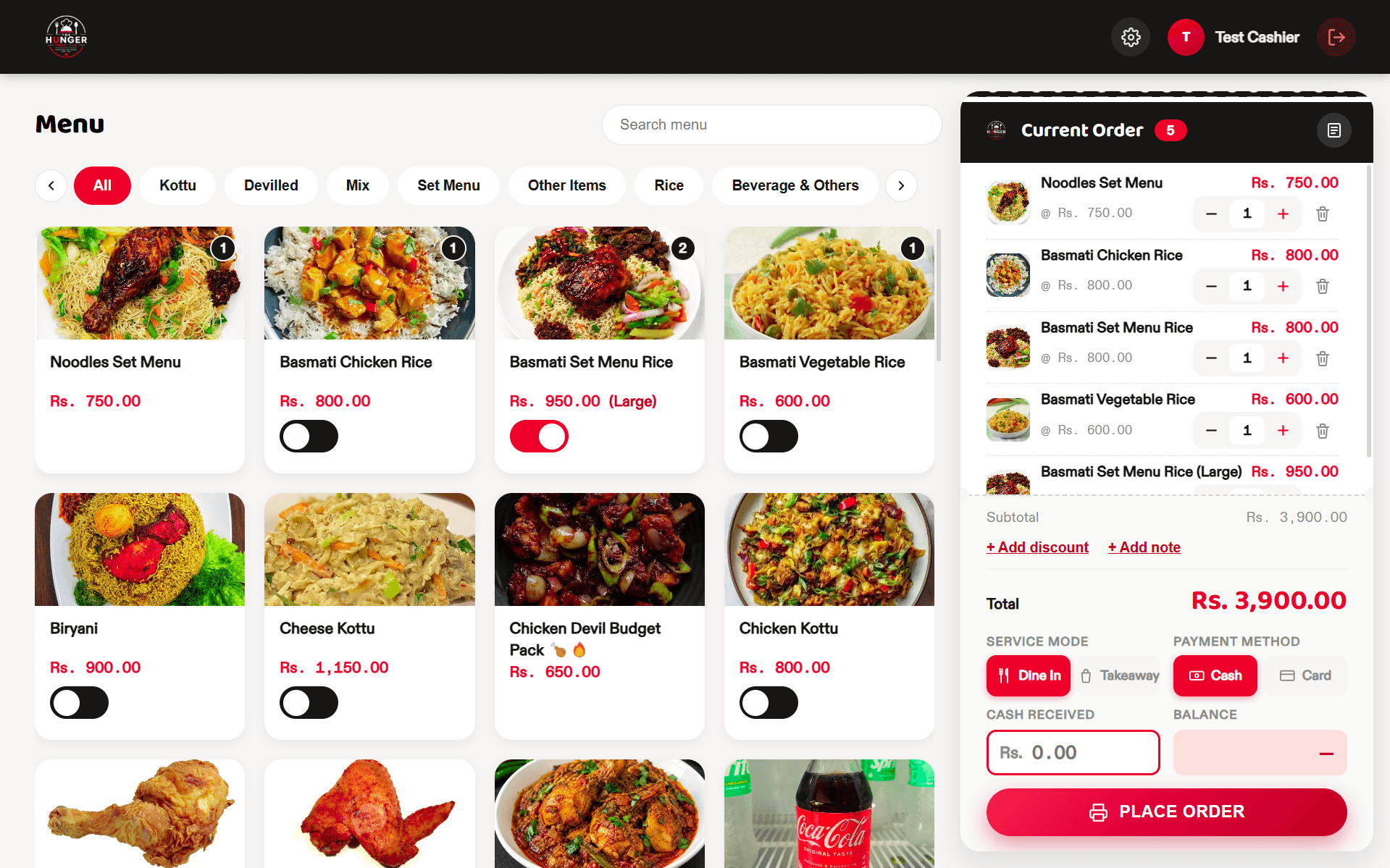
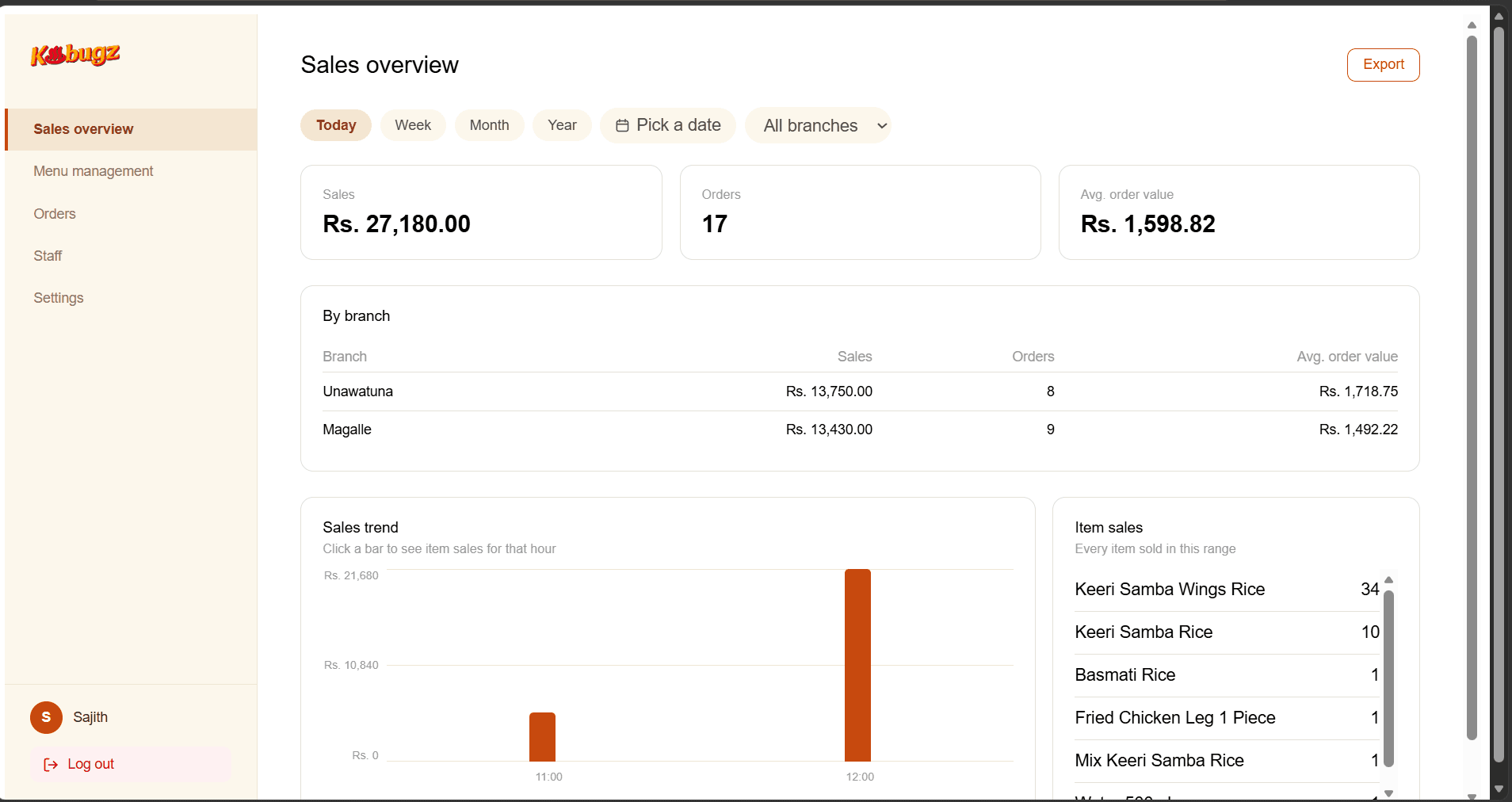
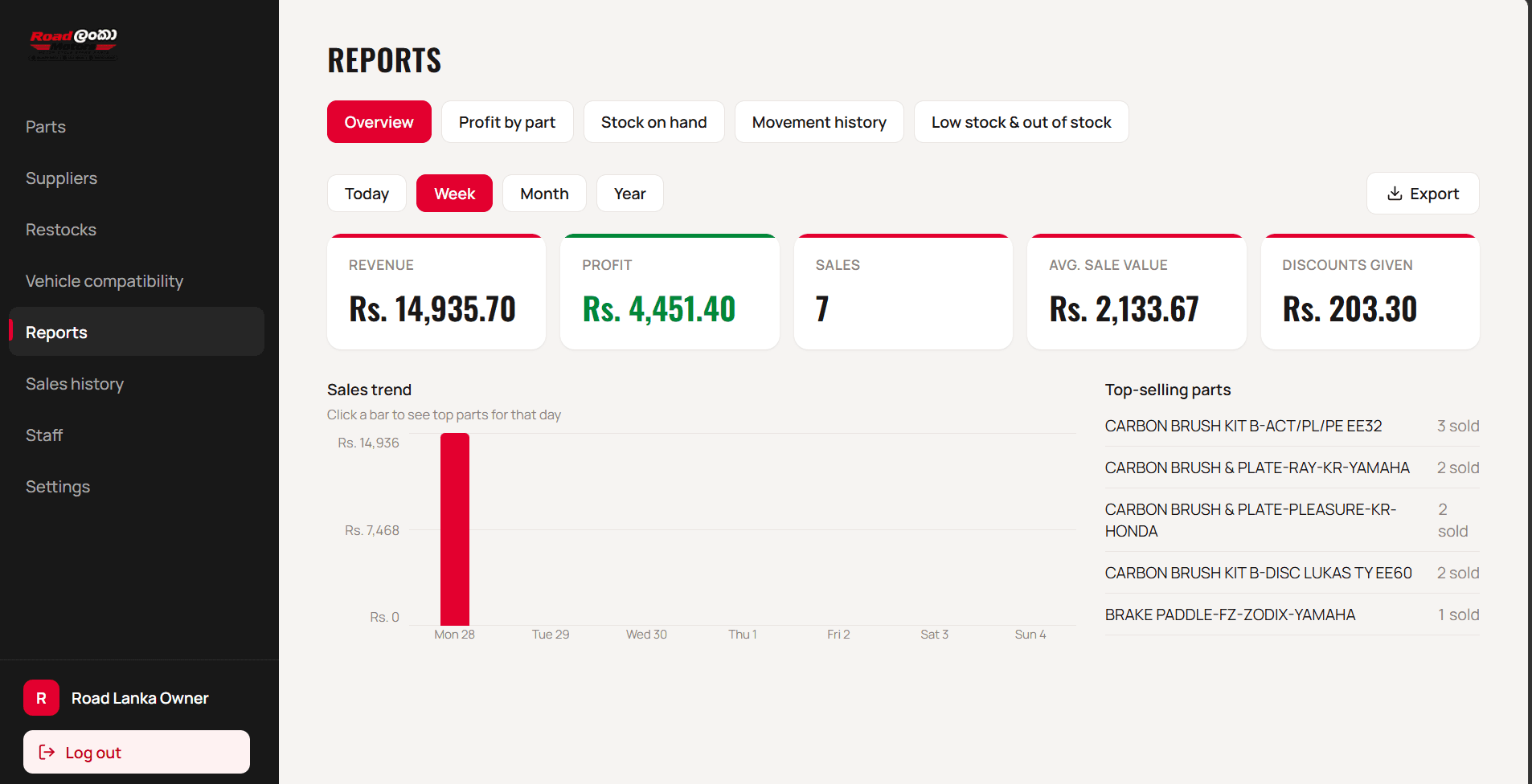
A Point of Sale (POS) system is the technology a business uses to process sales, accept payments, manage orders, and support everyday store operations. BuildSense POS goes beyond basic checkout by bringing sales, products, inventory, customer information, and transaction records into one connected system. This helps businesses simplify daily operations, keep important information organized, and provide customers with a faster and smoother checkout experience.
The right POS system depends on how your business operates, what you sell, how many products or services you manage, and how you plan to grow. A good POS system should make everyday tasks such as processing sales, managing products, tracking inventory, handling different payment methods, and viewing reports simple and efficient. BuildSense POS is designed to be flexible, allowing businesses to use the features they need today while supporting additional requirements as their operations grow.
BuildSense POS works best with a stable internet connection, especially for features that depend on real-time synchronization, cloud reporting, remote access, and certain online services. However, supported offline functionality can allow essential operations to continue during temporary internet interruptions. Once the connection is restored, relevant data can be synchronized with the main system so your business records remain updated and consistent.
BuildSense IT is the technology company behind a range of digital solutions for businesses, including web development, mobile applications, custom software, AI and automation, cloud solutions, cybersecurity, and business systems. BuildSense POS is one of the solutions developed specifically for managing in-person sales and everyday business operations. It focuses on areas such as checkout, products, inventory, transactions, customers, and reporting, while BuildSense IT represents the wider range of technology services and solutions offered by the company.
BuildSense POS is designed to support a wide range of small, medium, and growing businesses, including retail stores, restaurants, cafés, supermarkets, clothing stores, electronics shops, mobile accessory stores, salons, hardware stores, and other service or product-based businesses. The system can be adapted to different business workflows and requirements, making it suitable for both single-location businesses and companies operating across multiple branches. Its goal is to make sales, inventory, reporting, and everyday business management simpler and more organized.